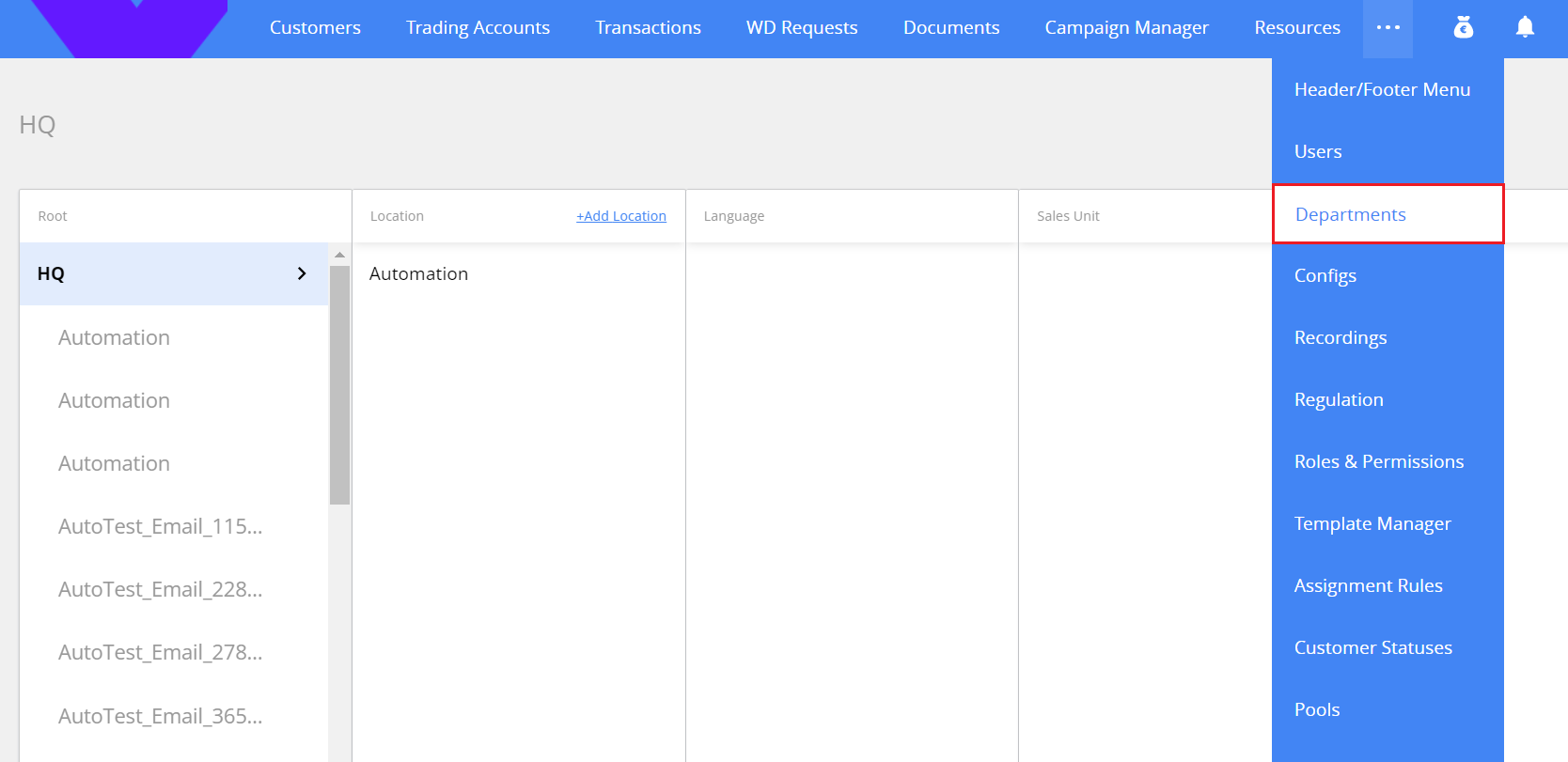
Departments
The Departments section is using for managing the company organizational structure: units, departments and teams.
The section has 5-levels structure.
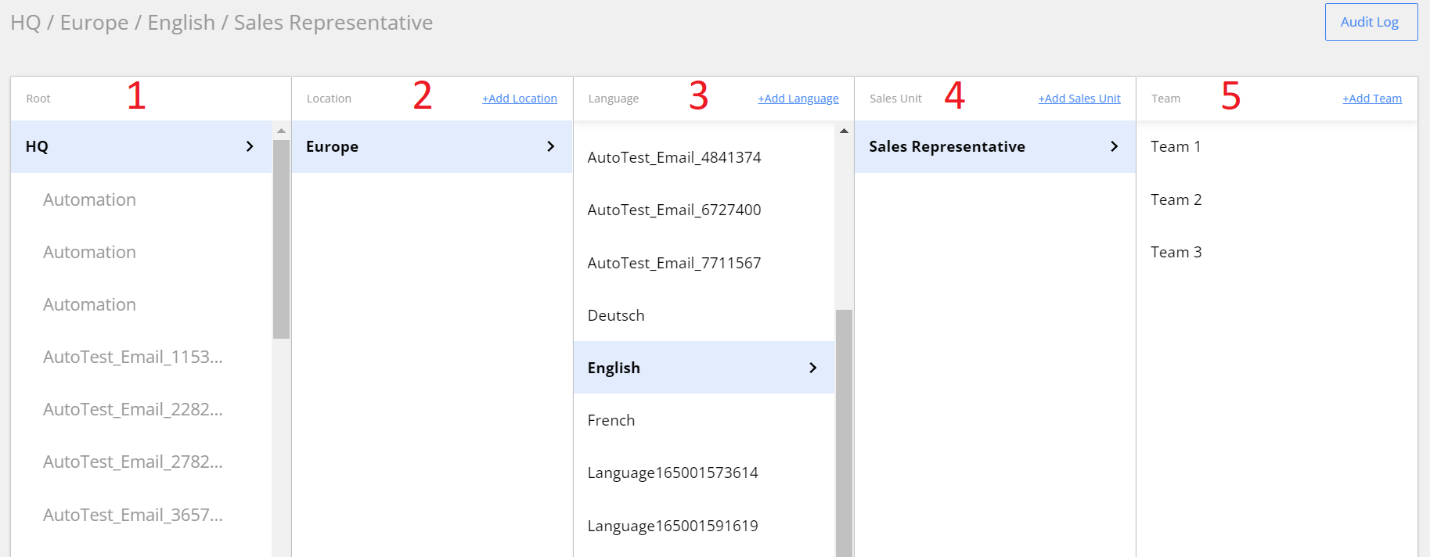
- Root
- Location
- Language
- Sales Unit
- Team
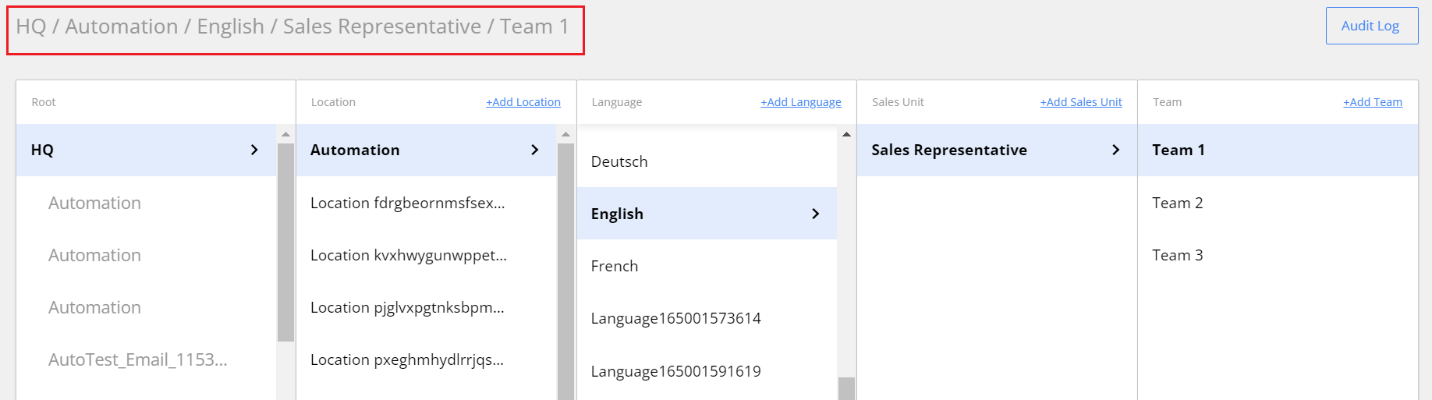
You can see the full department structure by clicking on columns in sequence. For example, HQ / Europe / English / Sales Representative / Team1.
Add a new structure element
You can build the department structure by adding new Location, Language, Sales Unit, and Team.
Note. The list of Roots is predefined.

In a separate window, you can type the title of the division, and select the manager role.

Audit Log
To get the information about department structure changes use the Audit log. To open it, in the Departments section click the Audit Log button in the top right corner.
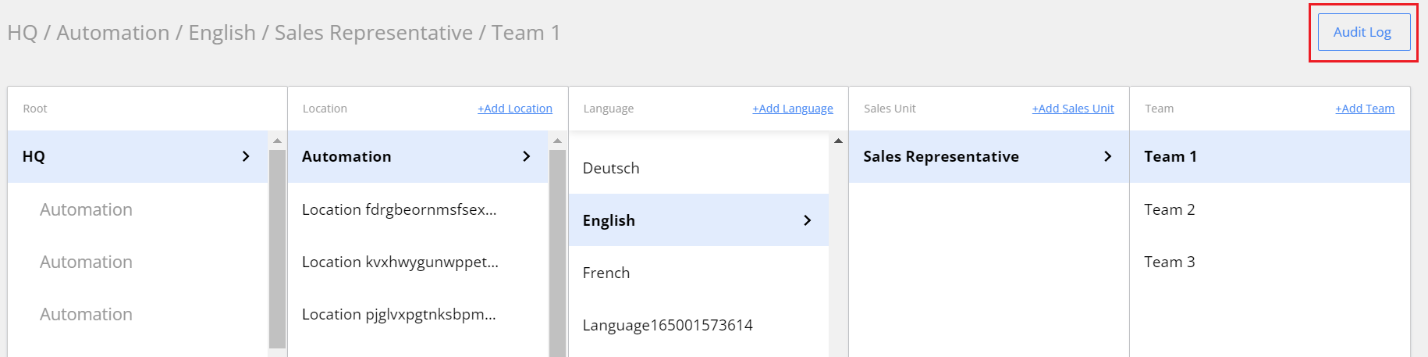
The audit log will be opened in a separate window.
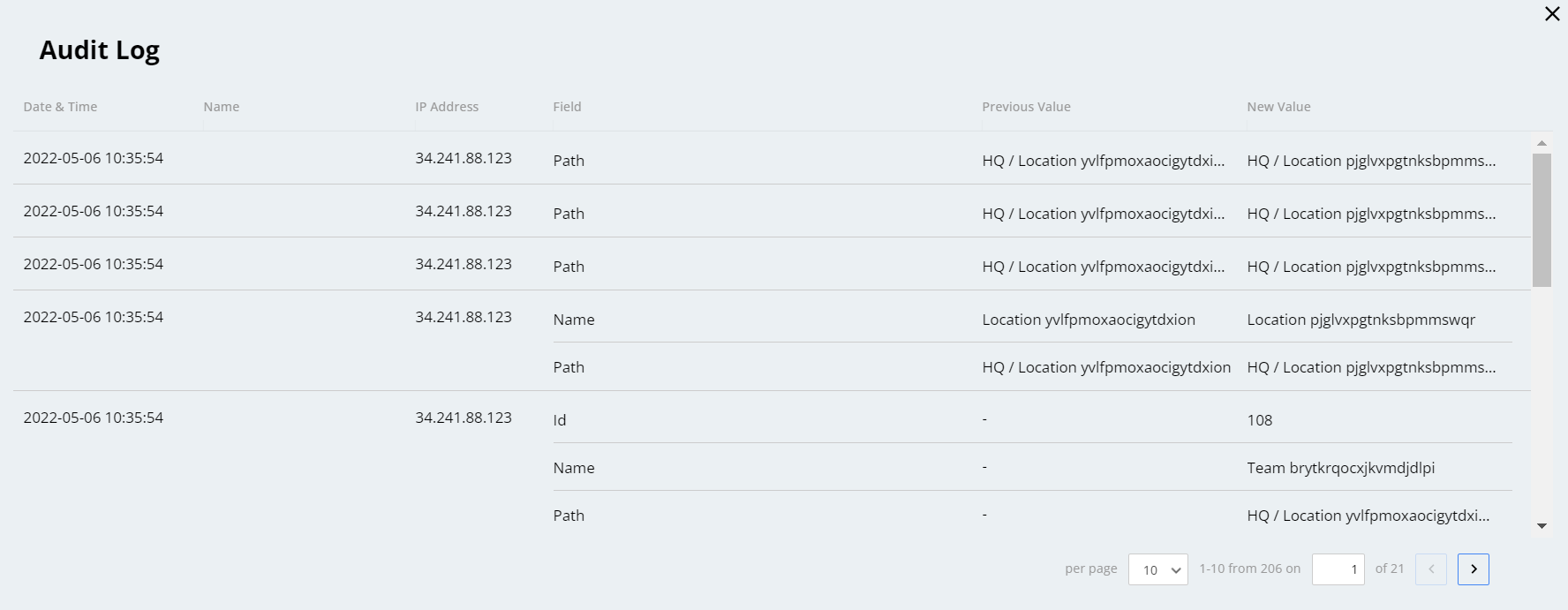
The records in the log are displayed starting from the latest ones.
The information is divided into columns:
Date and time of change (user local time is used)
Name of the user who performed the change, and their IP address
Name of the changed field
Previous and current field values.