Export customers to Excel file
You can export customer data to a CSV file. To do this, click the Export button in the main grid.
note
Permissions: Customers > Export Customers.
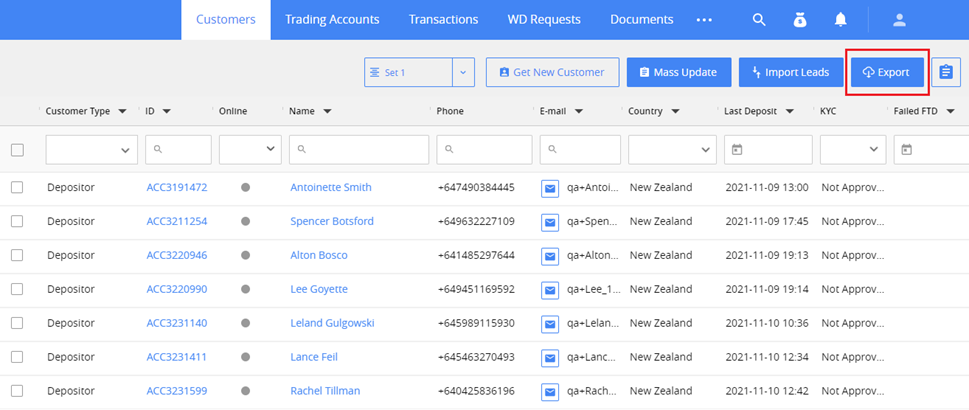
After confirming, the CSV file will be downloaded to your computer.
The file contains the list of customers from all pages on the grid with applied search filters. The list of columns in the file corresponds to the settings of the main grid.