Personal grid settings
As in other sections, in the Customers section, you can customize columns in the main grid. Here you can additionally save your column settings to use it further. You can create up to five sets and switch between them. For example, you may need different sets to work with clients and depositors.
Save a set of columns
- Click the set’s name to open the Customize columns window.

- Click Add new set. Enter the name of the set and apply it.
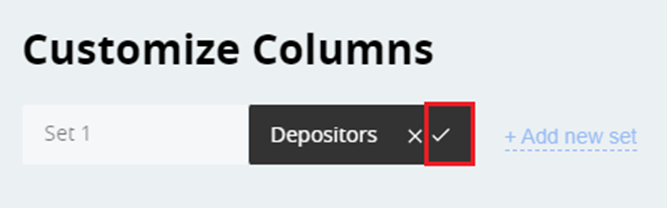
- Select the columns you want to see in the main grid. Or, if you want to have a default column setting, click the Default button. Click Apply.
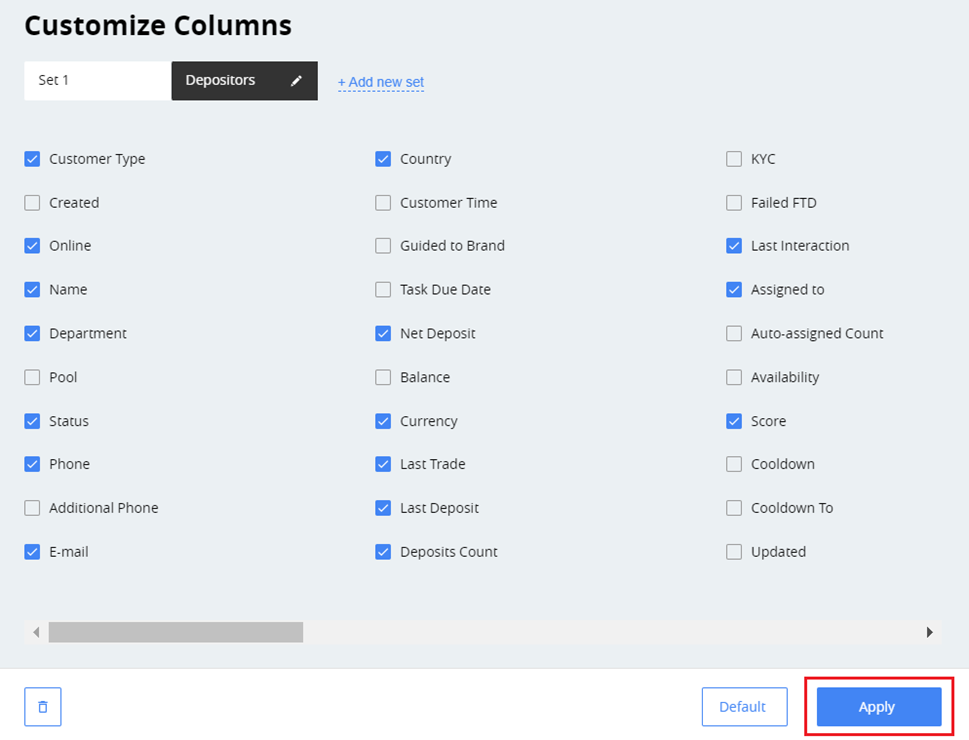
As a result, you will have two different sets to work with.
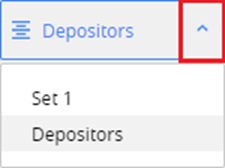
Switch between the sets
Click the menu and select the needed set from the list.
Delete the set
- Go to the Customize column window.
- Select the set and click the recycle bin button.
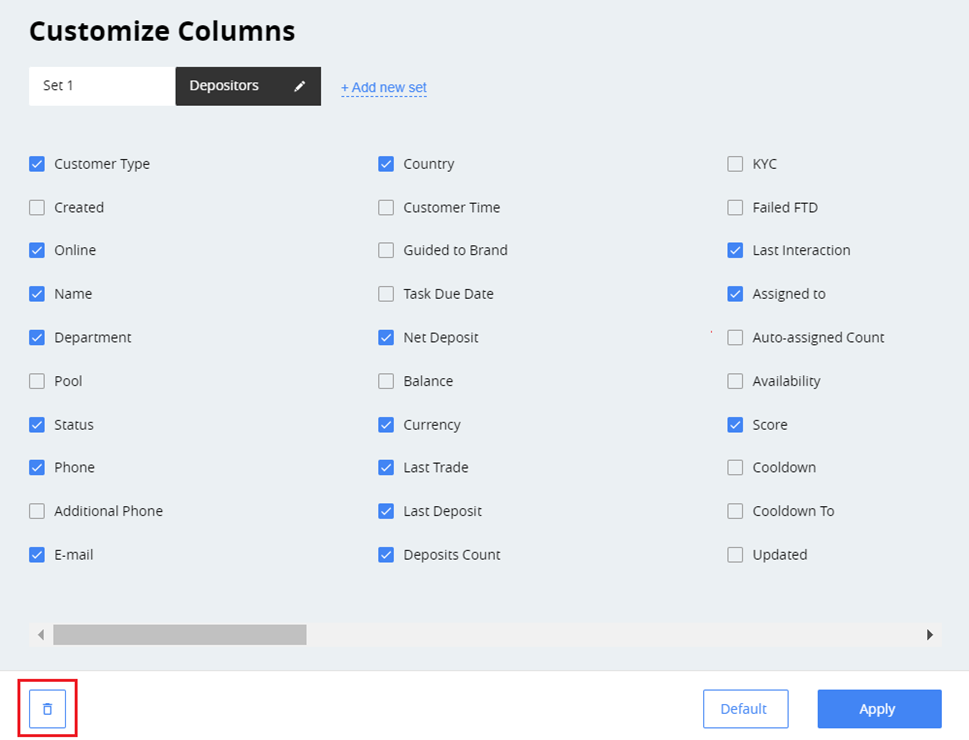
- Confirm by clicking Delete.